


Interactive Marketing Content: How to Build Clickable Experiences That Convert
Your audience is scrolling fast, and static assets are easy to ignore. Interactive content gives people a reason to slow down, click, answer, and explore. If you want higher engagement and better quality leads, it is time to turn articles, ads, and landing pages into experiences that respond to users in real time.
Before you jump into tools, start with a plan that aligns to outcomes. Define who you are building for, the problem they need solved, and the one action you want next. Then map a simple user journey, from hook to interaction to value. If you already use a content automation workflow, plug this plan into your briefs and templates so the process is repeatable across campaigns.
Interactive content should be measured and iterated like any product. Set up events, UTM parameters, and benchmarks for completion and conversion. Modern AI can help you generate variants fast, which makes testing easier. If you do not have a system in place, consider adopting an AI-driven content testing framework that turns insights into weekly improvements.
What interactive content is, and why it outperforms static assets
Interactive content invites the user to act. Think quizzes, calculators, product finders, polls, interactive infographics, slideable before and after visuals, and clickable demos. These formats convert attention into data and intent. Compared with static pieces, they deliver higher dwell time, richer first party insights, and stronger conversion rates because they deliver immediate value.
Start with outcomes, then map the experience
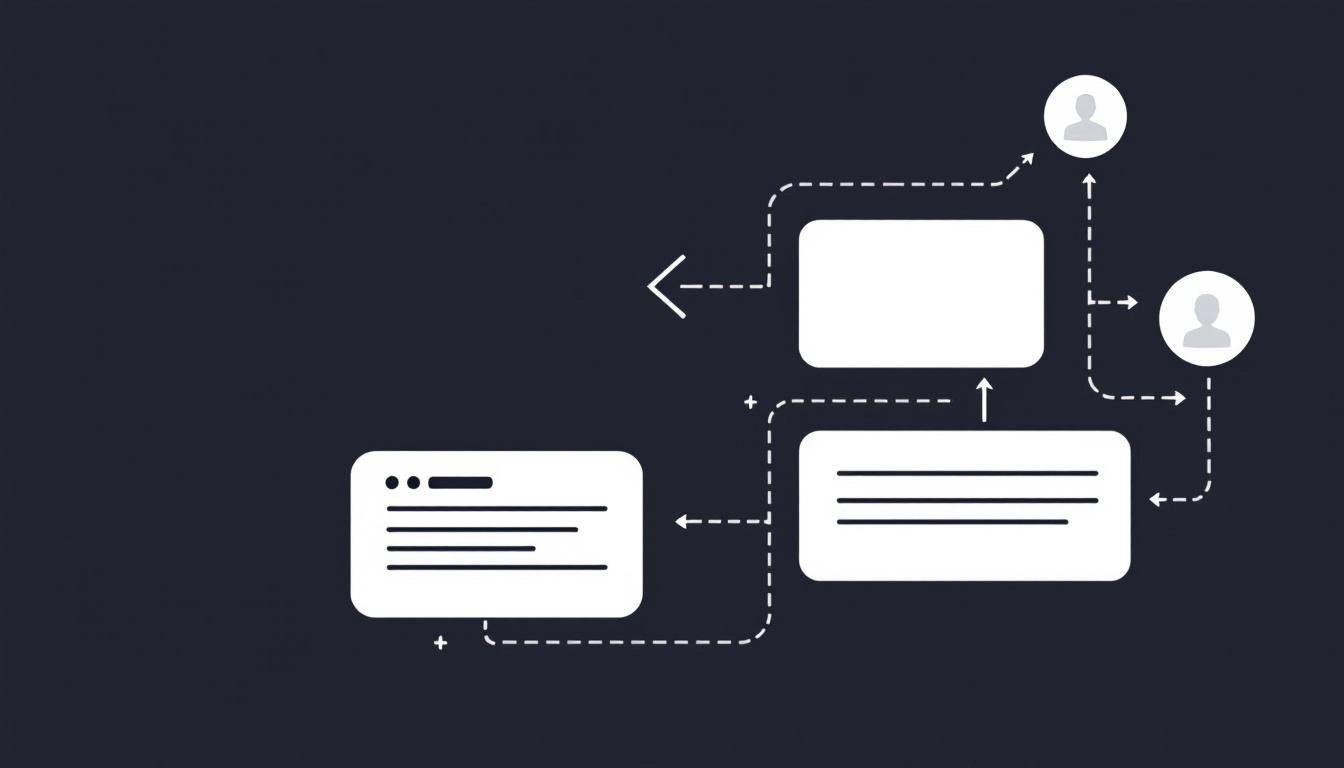
Every build should tie to one business goal. For top of funnel, prioritize engagement and qualified traffic. For mid funnel, guide discovery and segmentation. For bottom of funnel, reduce friction and drive purchase or sales conversations. Sketch a simple flow, attract, interact, value reveal, next step. Keep the path short and the payoff clear.
- Define a single primary metric, such as completion rate or assisted conversions.
- Write one core question your experience will answer for the user.
- Set a tangible value exchange, for example a tailored recommendation or estimate.
- Choose the next step, subscribe, share, demo, or add to cart.
Pick formats that fit each stage of the funnel
Match the level of effort to user intent. Early stage prospects enjoy quick, curiosity driven taps. High intent visitors will invest more time if the result is specific and useful. Build a library of formats you can reuse across channels and audiences.
- Awareness, interactive infographics, polls, and swipeable stories.
- Consideration, product finders, quizzes, and comparison sliders.
- Decision, ROI calculators, interactive demos, and dynamic checklists.
- Retention, onboarding walkthroughs and personalized tips hubs.
Design principles that make experiences feel effortless
Great interactive content removes friction. Lead with a strong promise in the header, explain what the user will get, and show progress so they know how long it takes. Use microcopy to guide choices and give instant feedback after each action. Optimize for mobile first, since most taps will happen on small screens. Keep interactions under 60 seconds unless the payoff is high.
- Clarity, one question per screen, plain language, no clutter.
- Speed, lightweight assets and preloaded steps for smooth taps.
- Accessibility, readable contrast, keyboard navigation, alt text.
- Trust, explain data use, do not gate too early, show social proof when relevant.
Build faster with AI and no code tools
AI can accelerate every stage of production. Use it to brainstorm interaction ideas from your personas, draft quiz questions with balanced answer sets, and generate concise feedback messages. Feed brand voice guidelines and examples to keep tone consistent. No code builders make it easy to assemble screens, connect logic, and embed on your site. Start simple, publish quickly, then improve with real user data.
Personalize responsibly with first party data
Interactive formats are perfect for collecting zero party signals, preferences that people share intentionally. Ask only for information that directly improves the result. Use progressive profiling so repeat visitors see deeper questions while new visitors get lightweight choices. Store responses in your CRM or CDP, then segment campaigns and on site content to reflect what users told you. Always state the benefit and respect privacy expectations.
Distribution, placement, and promotion
Put your experience where motivation is highest. Embed it above the fold on relevant pages, add it to email journeys, and adapt compact versions for paid social. Align ad copy to the same promise as your first screen. Tag every entry point with UTMs, which allows you to compare performance by source and creative. Repurpose the output as content, for example aggregate quiz insights into a thought leadership post.
Measure what matters, then iterate weekly
Track a short set of metrics that reflect user value and business impact. Look at the full path, from impression to interaction to next step. If completion is low, simplify steps or increase the perceived reward. If post interaction drop off is high, tighten the call to action and reduce distractions. Small copy changes can lift results, so test often.
- Engagement rate, interactions per view.
- Completion rate, finishes per start, target 60 percent or higher for short flows.
- Time on task, aim for under one minute unless utility is deep.
- Lead quality, sales accepted or demo show rate, not just volume.
- Revenue influence, assisted conversions and pipeline sourced.
Common pitfalls to avoid
Teams often overbuild the first version, gate too early, or bury the experience on a low traffic page. Resist the urge to collect data you will not use. Avoid long forms disguised as quizzes. Do not make the reward vague. Most importantly, do not skip QA on mobile and accessibility, since a broken tap kills trust quickly.
- Too many steps without clear value.
- Heavy media that slows loading on mobile.
- Ambiguous or generic results that feel canned.
- CTAs that do not match the user’s intent.
- No follow up journey after the interaction.
A simple five step build plan
This lightweight process helps teams ship in days instead of weeks. Keep the scope small, measure, then scale the winners across channels and audiences.
- Define the promise, user problem, payoff, next step, and one metric.
- Storyboard three to five screens, hook, interaction, value, CTA.
- Create content, questions, logic, feedback copy, and visual cues.
- Build and QA, mobile first, accessibility checks, analytics events.
- Launch, promote, measure, and iterate with two test variants.
Examples you can adapt quickly
Turn a buyer’s guide into a product finder that outputs a tailored shortlist. Convert a pricing page into an ROI calculator with scenario toggles. Transform a case study into an interactive walkthrough with clickable proof points. Rework a webinar into a choose your path on demand lesson that recommends next resources. Each example drives a clear next step and generates useful first party data.
Interactive content is not a novelty, it is a systematic way to increase relevance, learn from your audience, and improve performance. Start with one small experience, wire it into your analytics and CRM, and build a repeatable model that compounds results over time.
Start creating smarter content with MyCopyHub’s AI assistant today.

