


How to Use MyCopyHub for Content Planning That Scales and Stays On-brand
Content planning often breaks down in spreadsheets, scattered docs, and endless approvals. The result is missed deadlines and inconsistent messaging. With MyCopyHub, you can centralize strategy, planning, and production. You can turn ideas into a publishable pipeline that is aligned to your brand and easy to measure.
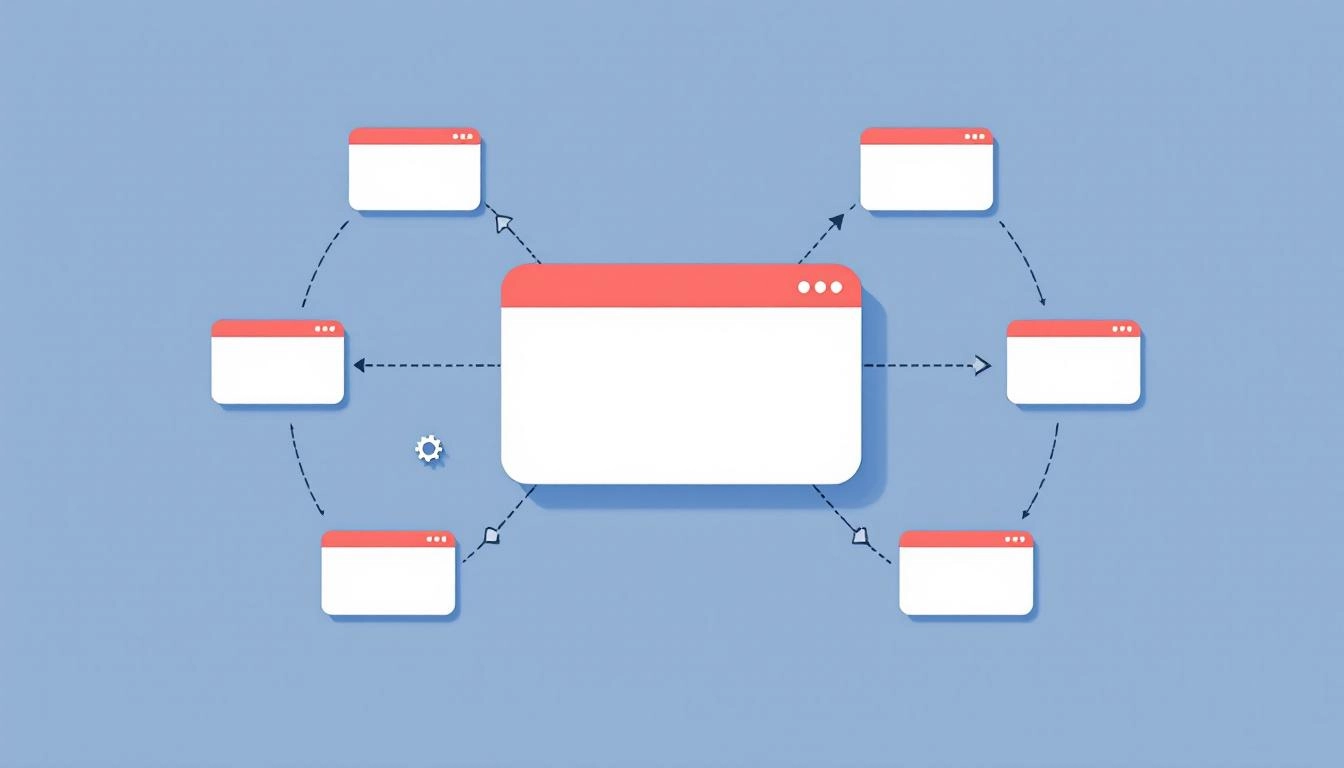
Once you set up your workspace, you can map your end to end content automation workflow in one place. This includes audience insights, content pillars, briefs, an editorial calendar, production tasks, and channel-ready variants, all guided by AI.
MyCopyHub also helps you convert strategy into a living plan using an AI editorial calendar that prioritizes topics by impact, fills gaps across the funnel, and suggests deadlines based on effort. You keep creative control while the platform removes the busywork.
Set your strategy inside MyCopyHub
Strong plans begin with clarity. Start by documenting goals, audiences, and content pillars directly in MyCopyHub. Build your brand voice profile and style guidelines so every asset reflects the same tone and promises. The AI uses these guardrails to generate better ideas and more accurate drafts.
- Define business goals and KPIs by quarter.
- Outline audiences and pain points.
- Create content pillars and subtopics.
- Add voice, tone, and compliance rules.
Turn pillars into an AI-powered calendar
Convert your strategic pillars into a week by week schedule. MyCopyHub will suggest a balanced mix across formats and stages of the funnel. You can drag items on the calendar, allocate owners, and set due dates. The system flags collisions and recommends resourcing based on workload.
Build topic clusters and SEO briefs
Use clusters to group related keywords and questions under each pillar. Generate SEO briefs that include suggested headlines, structure, internal link ideas, and target snippets. Each brief captures the search intent, audience angle, and a clear CTA, which keeps writers aligned and reduces revisions.
Plan production and approvals in one place
Create tasks for each asset and add reviewers. MyCopyHub tracks status from idea to published, so you always know what is blocked and why. Automated nudges keep work moving without micro management. Approval steps can include brand, legal, or regional checks, which is especially useful for multi market teams.
Create channel-ready variations
From a single brief, MyCopyHub can produce prioritized formats. You can adapt a blog into a newsletter intro, a LinkedIn post, and short video scripts. The platform respects character limits, hashtags, and UTM conventions, so you keep consistency while tailoring for each channel.
Keep everything on-brand with reusable assets
Store approved taglines, boilerplates, proof points, and snippet libraries. Writers can pull the right claims and data instantly. The brand memory helps new team members ship work that feels like your company from day one. This reduces review cycles and preserves quality as you scale.
Measure outcomes, then iterate the plan
Attach KPIs to each asset and campaign. As content goes live, MyCopyHub ingests performance data from your channels, then surfaces insights inside the calendar view. You can see what stories convert, which formats retain attention, and where to invest next. Use these learnings to refresh briefs and re prioritize the roadmap.
A 30 minute setup to start shipping
You can get a functional plan in under an hour. Use this quick sequence to remove friction and gain early momentum.
- Create your workspace, set goals, and add 3 to 5 content pillars.
- Upload your brand voice notes, compliance guardrails, and key proof points.
- Generate five topic clusters per pillar and convert the top two into briefs.
- Schedule those briefs on the calendar and assign owners with due dates.
- Create channel variations for one brief, then route for fast approval.
Prompts that speed up planning in MyCopyHub
Well written prompts improve quality and save time. Try these inside your workspace, then refine with your own brand details.
- “Draft a quarterly content plan for [audience] focused on [pillar], mapped to TOFU, MOFU, BOFU.”
- “Create an SEO brief for the keyword [term]. Include H2 structure, FAQs, and internal link ideas.”
- “Turn this blog outline into a LinkedIn post, an email intro, and a 30 second reel script.”
- “Suggest five refresh angles for this underperforming article, prioritized by fastest lift.”
Governance without the bottlenecks
Set naming conventions, taxonomy, and approval tiers once, then let the system guide contributors. Templates for briefs, outlines, and review checklists keep quality consistent. Version history and notes prevent context loss. This is how teams increase velocity without sacrificing brand standards.
From plan to pipeline
Great content planning is not a one off document. It is a living pipeline that ties strategy to execution and to results. MyCopyHub gives you the structure to plan with confidence, the AI to accelerate creation, and the visibility to improve every sprint. Start small, keep feedback loops short, and expand what works.
Start creating smarter content with MyCopyHub’s AI assistant today.

