


How to Schedule LinkedIn Posts With MyCopyHub, A Practical Workflow for Busy Marketers
Consistency on LinkedIn drives reach, but keeping a steady cadence is hard when your day is packed with meetings and deliverables. With MyCopyHub, you can plan, write, and schedule LinkedIn posts in one place, supported by AI that adapts to your brand voice. This guide walks you through a simple, repeatable process to queue content, publish on time, and analyze results without juggling multiple tools.
Once you set up a streamlined content automation workflow, you free your team to focus on strategy and creative ideas, not manual posting. The outcome is a reliable LinkedIn presence that compounds engagement week after week.
Why schedule LinkedIn posts with MyCopyHub
Scheduling is more than convenience. It is a way to protect your strategy from the chaos of daily work. MyCopyHub centralizes ideation, drafting, approvals, and publishing so you can batch work, maintain quality, and hit peak times consistently. The platform’s AI-assisted writing helps you transform briefs into on-brand posts, adjust tone for executives or product teams, and repurpose long form content into bite sized updates.
Before you schedule, set the foundation
Strong systems produce strong content. Start by clarifying your goals, audience, and voice, then configure your workspace so posts flow smoothly from idea to publish.
Align goals and guardrails
Define what success means on LinkedIn. Are you driving website visits, sparking conversations, or building executive visibility? Document your brand voice, the audience segments you serve, and the topics you will own. Create a light style guide that covers voice cues, formatting, CTA preferences, and any compliance notes. This becomes your north star for AI prompts and reviews.
Connect accounts and roles
Connect your company page and any approved personal profiles. Assign roles for creators, reviewers, and approvers so posts move quickly without bottlenecks. If you support executives, create a simple intake form for ideas and assets, then convert them into drafts inside MyCopyHub.
Step by step, schedule your first LinkedIn post
You can schedule in minutes. Here is a compact flow you can use right away, then customize as your program grows.
- Draft the post with the AI assistant, provide the core message, audience, and desired action.
- Refine tone and structure, add a hook, a concise insight, and a clear CTA.
- Attach media, add up to three focused hashtags, and apply link tracking if needed.
- Choose the date and time, then place the post in your queue or content calendar.
- Route for review if required, finalize, and schedule.
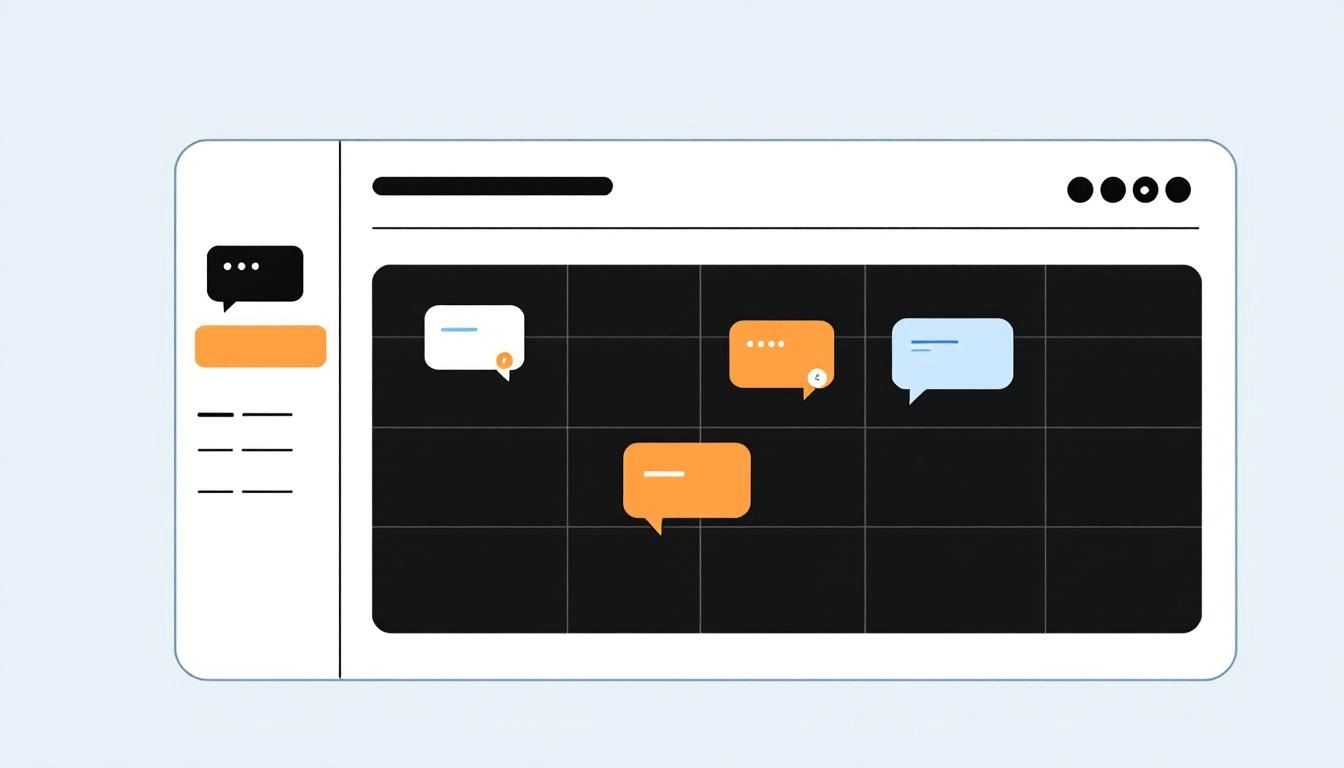
If you prefer a calendar view, use MyCopyHub to map your week at a glance. Drag and drop to adjust publish times, then lock items once reviews are complete. For teams that scale, the AI LinkedIn scheduler can suggest times based on engagement patterns and your historic performance.
Build a weekly LinkedIn cadence that compounds
Consistency beats intensity. Aim for a simple pattern you can sustain. For most brands, three to five posts per week is a reliable baseline. Mix formats so your feed feels fresh. Create a series for thought leadership, customer proof, product education, and behind the scenes culture. Anchor one day with a recurring theme, such as Tuesday Tips or Friday Wins, to train audience expectation and speed up planning.
Repurpose without repeating yourself
Turn one strong idea into several angles. Convert a blog insight into a short story with a takeaway. Clip a webinar into a 30 second video with captions. Summarize a whitepaper as a carousel with one data point per slide. MyCopyHub’s AI can vary tone and length so you can post multiple treatments over weeks, each tailored to a slightly different audience need.
Post timing and frequency, practical guidance
There is no universal best time, but you can improve results quickly with a few rules. Schedule near audience workday peaks, typically early morning or lunch hours in their time zone. Stagger posts for different regions if you serve multiple markets. Avoid posting more than once per day on the same page unless there is a strong reason. Let at least four hours pass between posts to give each update room to breathe.
Collaboration and approvals without the ping pong
Keep reviews lightweight. Use a single owner for each post, tag stakeholders for context, and set deadlines for comments. Encourage reviewers to mark edits directly in the draft, not over chat. Shorten cycles by pre approving message frameworks for launches and thought leadership so reviewers focus on nuance, not structure.
Measure what matters, then iterate
Track impressions, engagement rate, link clicks, and saves to see what resonates. Over time, layer in post level insights like hook strength, media type, and CTA clarity. Identify the formats that punch above their weight, then increase their share in your calendar. Create a monthly retrospective that compares topics, formats, and timing. Convert the winners into templates inside MyCopyHub so future drafts start closer to the finish line.
Troubleshooting common scheduling issues
If a scheduled post fails, check account permissions and token validity first, then re authenticate and retry. If media does not attach correctly, confirm file size and format. When posts underperform, examine the hook and first two lines, since truncation reduces attention. Tighten the opening, move the strongest insight to the front, and simplify the CTA to a single action.
A simple checklist for sustainable success
To keep operations smooth, close each week with a short review. Archive the best performing posts as examples, log what you learned, and tweak next week’s lineup. Maintain a two week rolling calendar so you never rush. Protect one block on your calendar for creative sprints where you generate raw ideas that MyCopyHub can turn into ready to schedule drafts.
Start creating smarter content with MyCopyHub’s AI assistant today.

