


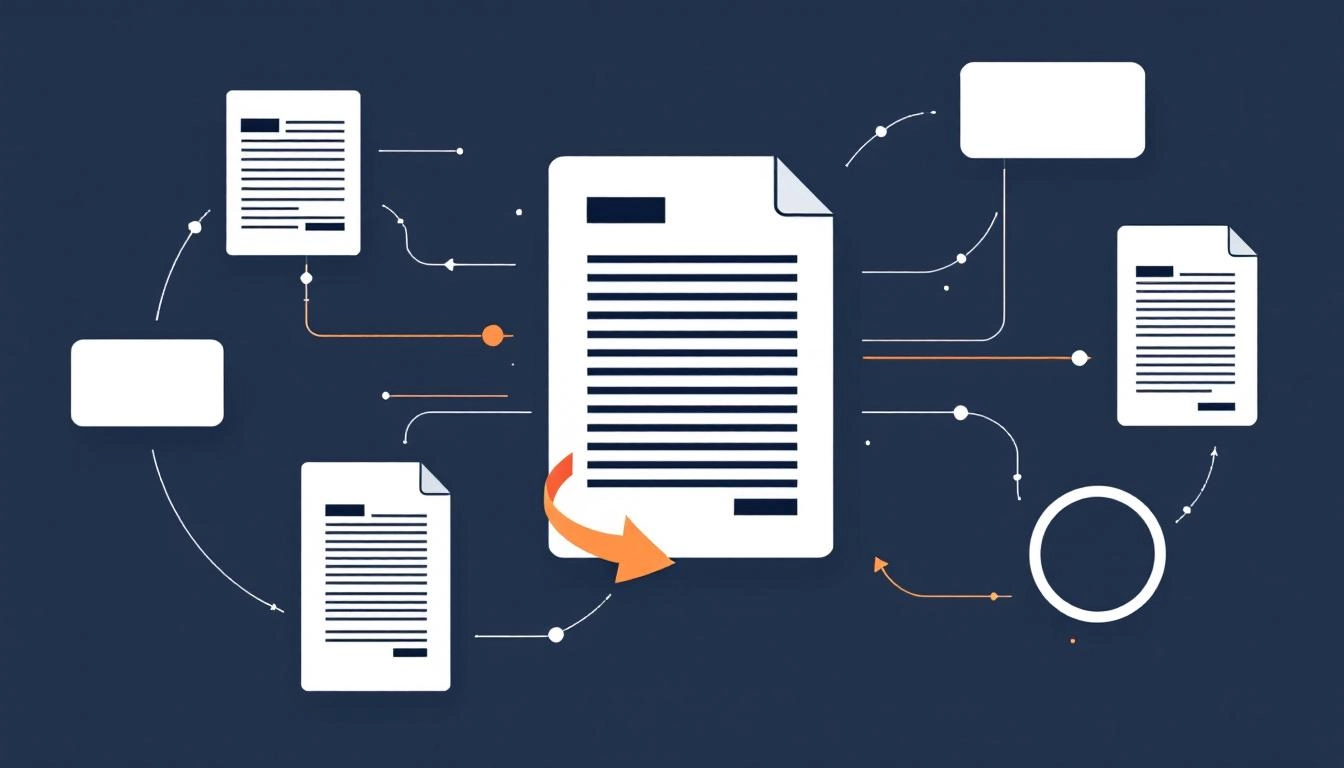
How to Repurpose Content for Different Platforms With AI for Higher Reach and Less Rework
Your team spends hours crafting a great article or webinar, then it fades after one post. Repurposing changes that. With a smart plan and the right AI support, you can repurpose content into channel native formats that extend reach, maintain brand storytelling, and reduce production time without sounding repetitive.
The most effective programs treat repurposing as a system, not a scramble. That means templates, standards, and a light layer of automation that turns one source asset into many outputs. If you want to operationalize this at scale, map a repeatable content automation workflow that starts with strategy, not just copy and paste.
Why repurposing works now
Audiences favor platform native content. The hook that wins on TikTok is not the same as a LinkedIn opener or a newsletter subject line. Repurposing allows you to adapt the same core idea to each channel’s expectations, which increases engagement while keeping messaging consistent. It also stretches the half life of every asset, improves ROI on research and production, and fills editorial gaps quickly when you need more output with fewer resources.
Start with a core asset and a message map
Great repurposing starts upstream. Choose a pillar asset, for example a report, webinar, or long form article, and distill a message map that defines voice and direction for all derivatives. This avoids shallow copy and keeps every version connected to your strategy.
- Audience outcome, the job your content helps them do
- One core claim, supported by three proof points
- Story beats, problem, tension, resolution, next step
- CTA variants, soft ask for social, stronger ask for site or email
Platform by platform adaptations that keep the idea intact
Blog or website
Use the blog to host the authoritative, searchable version. Expand context, add visuals, and optimize for SEO with internal linking and clear subheads. If you publish multiple versions on your site, canonicalize the original and avoid thin variations.
Lead with a lesson or data point, then deliver a concise framework. Keep first lines scannable, prioritize clarity over aesthetics, and end with a question that invites discussion. Turn visuals into carousels that summarize the core idea in five concise slides.
Instagram and Threads
Design for visual impact. Convert key points into a carousel with a bold cover slide, use Reels for one insight and one takeaway, and keep captions human and specific. Maintain the same core message, but rewrite hooks to center emotion and outcome.
TikTok and Reels short video
Hook in the first two seconds with a tension line, then show one actionable step. Use on screen text for emphasis and end with a micro CTA like save, comment, or try this step today. Keep shots tight and energy high, while staying true to your brand voice.
YouTube
Turn your pillar asset into a five to eight minute explainer. Structure it with a cold open, promise, proof, and a clear next step. Chapters help viewers navigate. Repurpose clips as Shorts that highlight a single insight.
X
Publish a short thread that lands one idea per tweet. Lead with a curiosity gap, avoid jargon, and add one supporting visual or stat. Link back to the blog when useful, but only after providing standalone value in the thread.
Email newsletter
Summarize the core takeaway, add context that rewards subscribers, and include a single clear click target. Keep it conversational. Your inbox audience values relevance and utility over polish.
Podcast or webinar
Reframe the topic as a conversation. Use audience questions as structure, then extract quotable clips and timestamps for social. Publish show notes that mirror your blog’s outline and link to the related resources.
An AI first repurposing workflow you can run every week
Treat AI as a creative accelerator, not a replacement. Start with a solid source asset, then let AI help with condensation, tone shifting, formatting, and visual prompts. Pair that with human judgment for story integrity and brand guardrails. If you are evaluating platforms, prioritize AI content repurposing tools that support multi format outputs, brand voice controls, and approval workflows.
- Audit and select, pick proven or timely assets to extend
- Chunk and tag, break content into insights, quotes, stats, and examples
- Style shift, apply brand voice while adapting tone per channel
- Format convert, turn text into scripts, captions, carousels, and outlines
- Light design, generate image prompts and thumbnail copy for creative teams
Keep brand voice consistent while tone shifts by channel
Consistency builds trust, but sameness kills engagement. Document your voice pillars, for example helpful, precise, upbeat, then flex tone per platform. LinkedIn leans instructive, Instagram leans expressive, TikTok leans energetic. Use the same terminology, metaphors, and proof points so every derivative feels like you, just adapted for where it lives.
Protect SEO and avoid duplicate content
Repurposing is not copy and paste. On owned channels, rewrite angles, restructure subheads, and update examples so each URL is differentiated. Use canonical tags when syndicating, update publish dates only with meaningful edits, and avoid reposting identical copy across pages. When quoting yourself on third party sites, include a short excerpt and link back to the source.
Measure what matters by channel, then scale
Define primary and secondary metrics for each platform before you produce. For social, track saves, shares, and completion rate. For blog, track organic entrances, scroll depth, and assisted conversions. For email, track clicks on the primary CTA. Roll these into a simple scorecard that ranks repurposed assets by cost to produce, reach, and impact on pipeline or revenue. Double down on formats and hooks that outperform.
A simple five day sprint to turn one asset into many
Imagine you hosted a 30 minute webinar on content ROI. On Monday, you trim it to a five point blog article with two charts. Tuesday, you craft a LinkedIn carousel and a short thread. Wednesday, you record two short videos that teach one step each. Thursday, you publish a newsletter summary with one strong CTA. Friday, you compile questions from comments and create a Q and A post that feeds the next sprint. One idea, many platform native expressions, consistent message throughout.
When you treat repurposing as a system, powered by smart templates and selective automation, you create more with less, protect your voice, and meet audiences where they are.
Start creating smarter content with MyCopyHub’s AI assistant today.

