


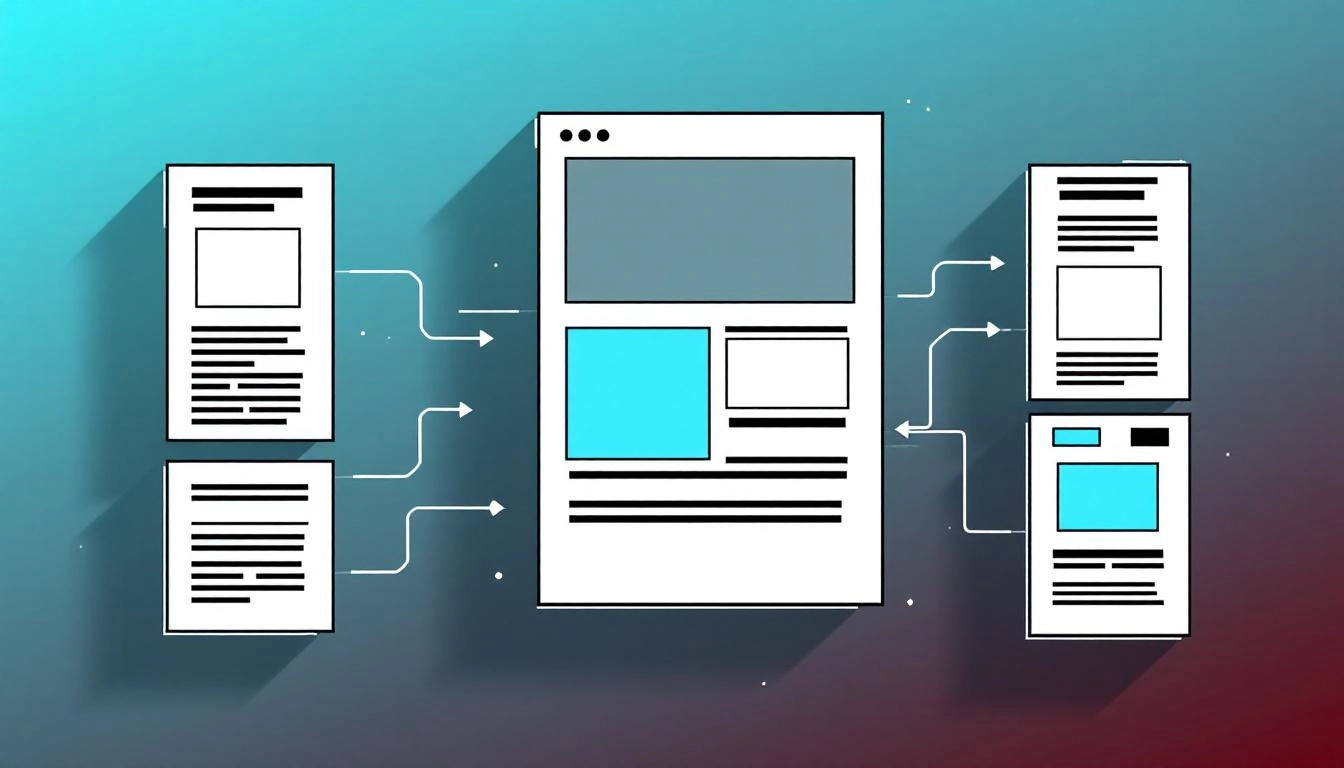
How to Create Custom Content Templates that Scale Across Channels
When your team needs to produce high quality content at speed, custom content templates turn chaos into consistency. A good template captures structure, brand voice, and variables, so your marketers can focus on ideas while AI handles the repeatable work. This guide shows you how to design templates that work for blogs, ads, emails, and social, then plug them into automation for repeatable results.
Once you have a clear structure, map it to a content automation workflow that connects briefs, drafting, review, and publishing across channels.
If you prefer to jump in with tooling, use an AI content template builder to define fields, insert variables, and generate on brand drafts automatically.
What a Strong Content Template Includes
A reusable template is more than a blank page. It balances structure and flexibility, so anyone can produce consistent content without sounding robotic. Think of it as a repeatable recipe, not a script. It should encode the key parts of your content type, where creativity lives, and where automation can help.
- Content model, sections and fields your piece needs every time.
- Variables, placeholders like {Audience} or {Primary_Benefit} that personalize copy.
- Brand voice rules, tone, style, words to prefer or avoid.
- Metadata, title, slug, keywords, image alt text, UTM codes.
- Channel variants, length limits and tweaks for email, social, or ads.
Step by Step, Build Your Custom Content Templates
Clarify the use case and outcome
Pick one content type and one job to be done. For example, a blog post template that educates a buyer on a problem, or a product landing page that converts traffic to trials. State the goal and primary metric, such as scroll depth, CTR, or demo requests.
Model the content structure
List the sections that must appear in every piece. For a blog, you might require an intro hook, background, proof, action steps, and a clear CTA. Name fields for each section. Decide which are required, optional, or conditional. This is your content model.
Define variables and tokens
Identify the elements that change per audience or offer. Create a variable taxonomy, for example {Audience_Segment}, {Use_Case}, {Primary_Benefit}, {Proof_Point}, {Offer}, {CTA_Link}. Keep names human readable and consistent. Add guardrails, such as value formats, character counts, and examples.
Write the base copy with placeholders
Draft a skeletal version of the content with variable tokens inserted. For example, opening line, “If you are {Audience_Segment} trying to {Use_Case}, this guide shows how to achieve {Primary_Benefit}, backed by {Proof_Point}.” This creates repeatability without sacrificing voice.
Encode brand voice and constraints
Document tone, reading level, verbs to prefer, and words to avoid. Include examples of good and bad sentences. Add style rules for numbers, capitalization, and links. These rules keep AI and humans aligned with brand voice.
Add metadata and SEO fields
Define fields for SEO title, meta description, H1, primary keyword, secondary keywords, image alt text, and internal links. Provide length limits and patterns. For example, SEO title under 60 characters, include one benefit and the primary keyword.
Set rules for channels and variants
List the channel specific tweaks. Create variants with clear constraints, such as 50, 100, and 150 character descriptions, or 25, 50, and 75 word summaries. For social, specify hashtag rules and link placement. For email, specify preheader length and preview text.
Package the template for automation
Store the template in a shared library with versioning. Map each field to your CMS, marketing automation platform, and analytics. Add validation, for example character limits and required fields, to reduce rework. This is the bridge between template and automation.
Examples You Can Reuse
Start with a few high impact templates that cover your core funnel. Each saves time and boosts consistency. Keep them short and clear, then evolve based on performance data.
- Thought leadership blog, problem framing, POV, proof, action steps, CTA.
- Product update email, what changed, why it matters, how to use it, link to docs.
- Landing page, hero promise, value pillars, social proof, FAQ, conversion CTA.
- LinkedIn post, hook, insight, example, question, link in first comment rule.
Governance, Quality, and Measurement
Templates work best with clear ownership and metrics. Assign a maintainer for each template. Require a brief before creation, then a checklist for review. Track performance by template version and by channel. Use experiment tags to compare variants with the same structure.
Set update cadences. Retire underperforming templates, and promote ones that consistently hit goals. Treat your template library like a product, with a backlog, releases, and feedback loops.
Advanced, Use AI to Personalize From a Single Template
AI expands a well designed template without bloating it. Feed the model structured variables and rules, then let it generate section drafts, channel variants, and headlines. Use conditional logic to swap blocks based on segment, for example add an industry specific proof point when {Audience_Segment} equals Healthcare. Keep guardrails tight, especially for claims and compliance. Always review high risk content such as pricing, legal, or regulated topics.
Common Pitfalls and How to Avoid Them
Teams often overcomplicate templates or forget the workflow around them. Keep the structure simple, then extend as needed. Limit variables to what you truly personalize. Document voice rules with examples, not theory. Align metadata fields to your CMS so there is no copy paste mapping. Close the loop with analytics, test one change at a time, and ship improvements often.
A Simple Starter Blueprint
Use this lightweight pattern to get your first template into production quickly. It keeps the structure clear and the handoffs smooth.
- Define the goal and KPI for the content type.
- List required sections, fields, and character limits.
- Create variables with examples and allowed values.
- Write a base draft with placeholders and voice notes.
- Add metadata fields, channel variants, and publishing rules.
Next Steps
Pick one content type, build the template using the steps above, and run it through your workflow with three real pieces. Gather feedback, refine variables and rules, then publish the template to your library. Once it performs well, clone the pattern for adjacent content types and scale with AI for faster iteration.
Start creating smarter content with MyCopyHub’s AI assistant today.

