


Create Custom Content Templates in MyCopyHub for Scalable, On Brand Marketing
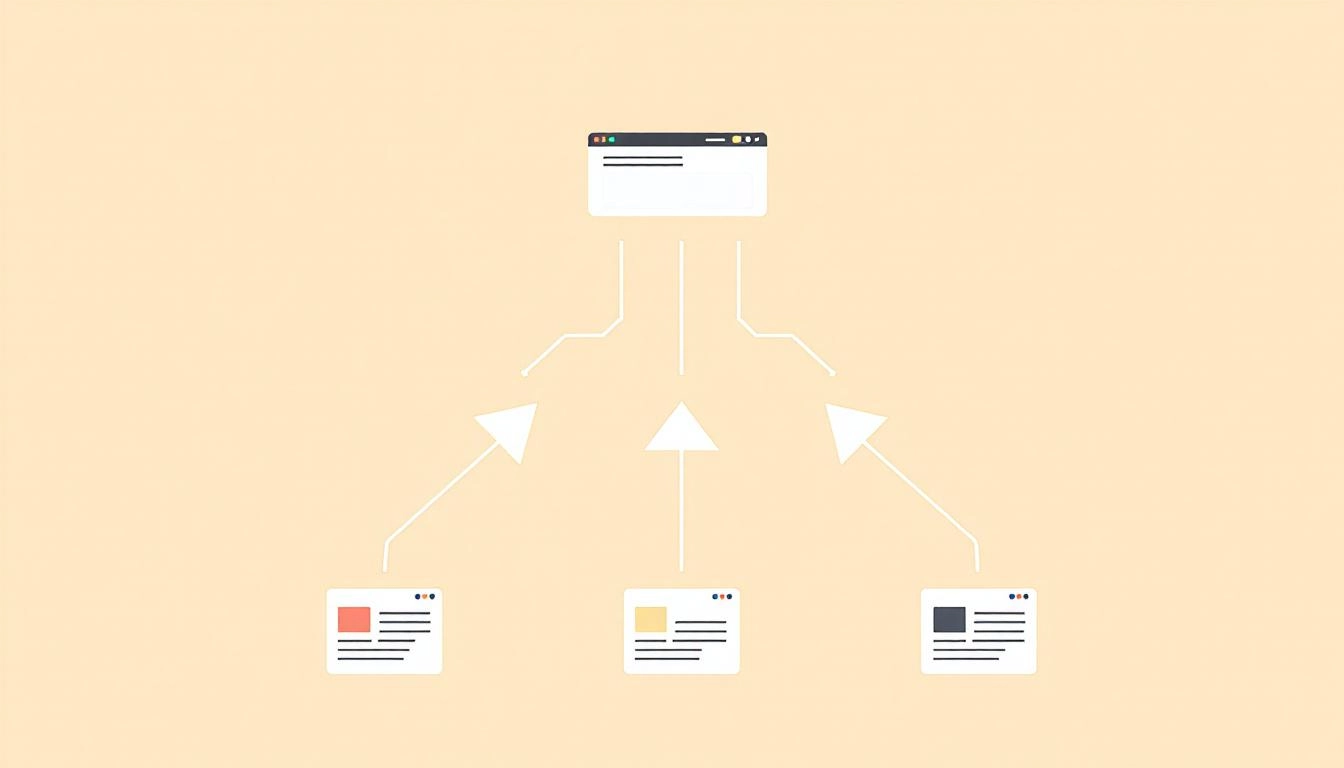
Your team does not need more blank pages. It needs reliable patterns that turn strategy into output, every single time. Custom templates in MyCopyHub give you repeatable structures, brand voice guardrails, and smart variables so your content is fast to produce, consistent in tone, and ready to ship across channels without endless rewrites.
In this guide you will learn how to design the structure of a template, define variables that capture campaign inputs, and wire everything into a repeatable content automation workflow. You will also see practical examples you can clone for emails, social posts, and product copy.
What a Custom Template Does for Your Team
A solid template is more than formatting. It encodes your brand’s storytelling logic and the constraints that keep content accurate, helpful, and conversion focused. When you set this once in MyCopyHub, you reduce variation and speed up production without sacrificing quality.
- Consistency: Keep voice, structure, and CTAs aligned across creators and campaigns.
- Speed: Turn inputs into draft quality output in minutes, not hours.
- Quality control: Bake in do and do not rules to avoid off brand claims.
- Scalability: Adapt the same blueprint for multiple channels with minimal editing.
Plan Your Template Before You Build
Before you open a new template, map the job your content must do. A few minutes of planning saves many revisions later.
- Objective: Awareness, engagement, lead capture, or revenue.
- Audience: Role, pain points, and level of familiarity with your solution.
- Channel: LinkedIn, email, blog, or product page, each has unique constraints.
- Evidence: Proof points, data, and testimonials you can cite confidently.
Build the Template in MyCopyHub
Great templates combine a clear narrative structure, reusable variables, and brand guardrails. Use the steps below as a blueprint. Adapt labels to match how your team thinks about content.
- Define the sections: Opening hook, context, unique value, proof, CTA. Keep it tight.
- Add variables: Audience, problem, offer, product name, proof point, CTA link.
- Set constraints: Word count ranges, reading level, tense, point of view.
- Encode voice: Tone descriptors, vocabulary to prefer, phrases to avoid.
- Add review notes: Reminders for legal, claims, and compliance checks.
Structure the Story First
Every effective template tells a short story. Start with a hook that names the reader’s job to be done. Add context that shows you understand the friction they face. Present value with a specific outcome. Support it with proof they can trust, such as a metric or customer quote. Close with a single, clear next step. MyCopyHub will thrive when this flow is explicit.
Use Variables to Capture Inputs
Variables turn one template into many assets. Create placeholders for items like Audience, Pain, Desired Outcome, Offer, and CTA URL. In the prompt instructions, explain how each variable should be used. For example, tell the model to restate the Pain in the hook, to reinforce the Desired Outcome near the CTA, and to reference the Offer only once to avoid repetition.
Bake In Brand Voice and Compliance
Document your voice once and reference it in every template. Specify tone, sentence length, reading level, and words to avoid. If your industry requires disclaimers or sourcing, add a section that reminds creators where to place them. This reduces back and forth and keeps brand storytelling tight and responsible.
Example Blueprints You Can Adapt
Use these compact blueprints as starting points. Each one aligns with a specific channel objective and keeps copy disciplined.
- LinkedIn thought leadership post: Hook naming a familiar tension, two sentence insight, one sentence framework or tip, one proof or example, soft CTA to discuss in comments.
- B2B nurture email: Subject that promises a clear outcome, lead with pain recognition, one insight or playbook step, social proof with metric, single CTA to a resource.
- Product description: Audience context in one line, value in measurable terms, three feature to benefit bridges, credibility marker, action oriented CTA.
Testing, Versioning, and Governance
Templates are living assets. Track what performs, keep versions tidy, and document usage rules so new teammates can adopt them quickly. Create a rhythm for review so your templates evolve with your messaging and market.
- Version notes: Record what changed and why, tied to performance learning.
- Naming conventions: Include channel, objective, and version date in the name.
- Performance loop: Feed high performing examples back into the template as guidance.
Connect Templates to Your Publishing Rhythm
Templates shine when they are connected to planning and approvals. Decide who supplies variables, who reviews long form outputs, and how assets move to scheduling. If you maintain style rules centrally, reference those guidelines from your templates or update them with your AI brand voice settings so every new asset inherits the same standards.
Troubleshooting Common Issues
If early outputs are close but not quite right, small adjustments usually fix the issue. Focus on structure, constraints, and clarity of variables before rewriting copy manually.
- Too generic: Add a required proof variable and a rule to name a specific metric or client use case.
- Too long or short: Tighten word ranges per section instead of only at the asset level.
- Off brand tone: Expand voice examples with do and do not phrasings your brand uses.
- Weak CTAs: Give two approved CTA options and specify when each should be used.
Make Templates a Team Sport
Invite input from sales, customer success, and product marketing. Their language will make your variables richer and your proof more credible. When the people closest to customers help shape the template, the final content reads like it was written from the field, not from a vacuum.
From One Template to a System
Once you have one strong template, expand into a small library that covers your growth motions. Create pairs that work together, such as a LinkedIn post that teases a guide and an email that delivers the deeper story. Keep the narrative spine and brand voice identical so each touch feels coordinated.
Start creating smarter content with MyCopyHub’s AI assistant today.

